


Types of Internet Addresses
 Published:Last Updated:
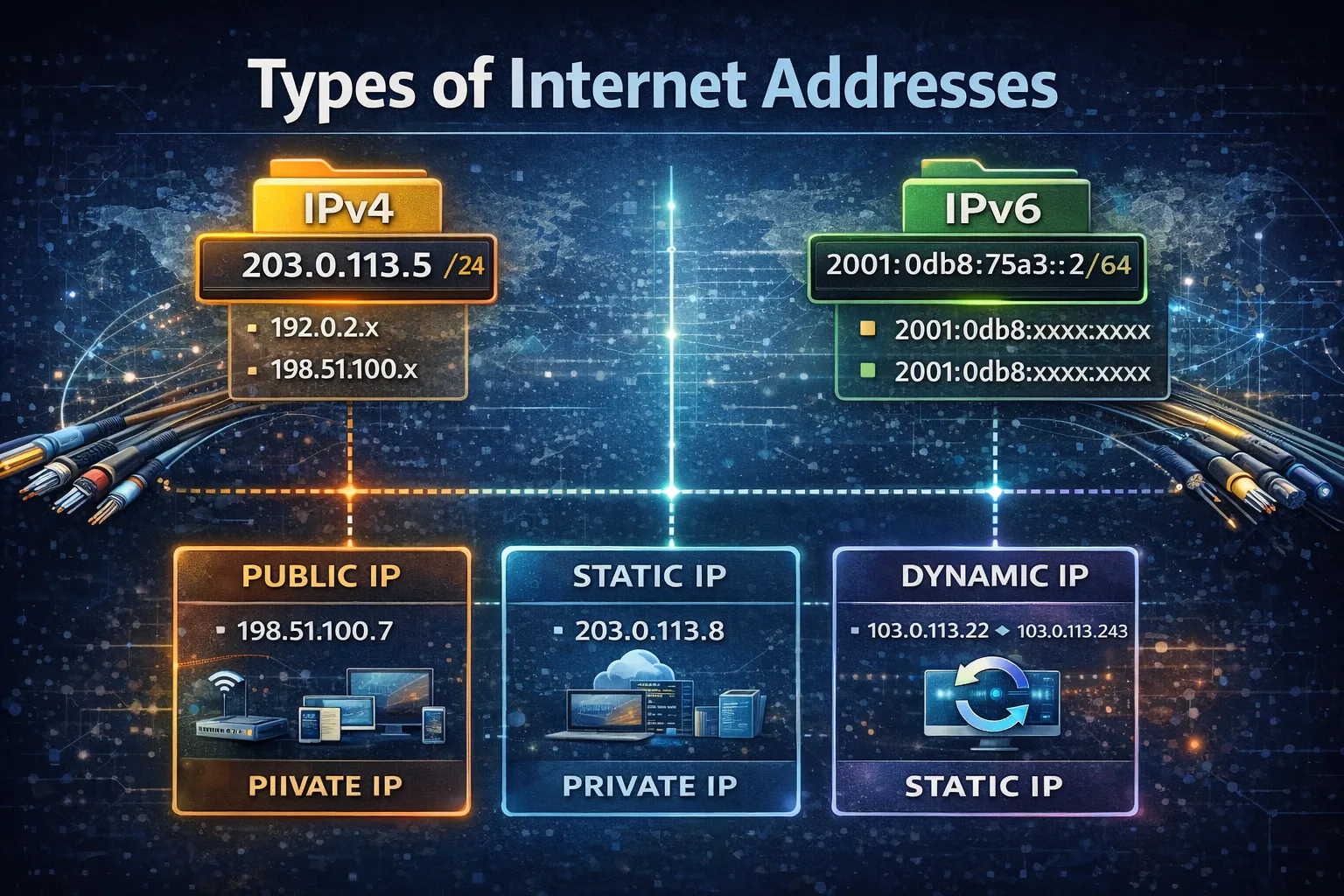
Internet addresses are the numeric identifiers that allow devices, networks, and online services to find one another and communicate across the Internet. In everyday use, when people talk about an “Internet address,” they usually mean an IP address. These addresses can be grouped into several types depending on how they are used, where they are valid, and whether they are reachable on the public Internet.
Understanding the types of Internet addresses is important because not every IP address works in the same way. Some are public and globally reachable, some are private and only work inside local networks, and others are reserved for special technical purposes such as testing, loopback, or multicast communication.
What Are Internet Addresses?
An Internet address is a network address used to identify a device or service in Internet Protocol communication. These addresses help traffic move from one point to another and allow systems to know where data should be sent. In practice, Internet addresses mainly appear in two major protocol families: IPv4 and IPv6.
IPv4 uses 32-bit addresses, while IPv6 uses 128-bit addresses. Both include public, private, and special-purpose address types.
Main Types of Internet Addresses
1. Public IP Addresses
A public IP address is an address that can be used on the global Internet. These are the addresses that websites, Internet-facing servers, cloud services, and external network devices use when they need to be reachable from outside their local environment. Public IP addresses are globally routable, which means Internet routers can direct traffic to them across networks and regions.
2. Private IP Addresses
A private IP address is used inside local or internal networks and is not meant to be routed directly across the public Internet. Home Wi-Fi networks, office LANs, internal servers, and many enterprise environments use private addressing so multiple devices can communicate internally without each requiring a unique public IP. In IPv4, common private ranges include 10.0.0.0/8, 172.16.0.0/12, and 192.168.0.0/16.
3. Loopback Addresses
A loopback address is used by a device to refer to itself. In IPv4, the best-known loopback address is 127.0.0.1. In IPv6, the loopback address is ::1/128. These addresses are useful for local testing, diagnostics, and software communication within the same host.
4. Link-Local Addresses
Link-local addresses are valid only on the local network segment and are not routed beyond it. They are often used for local discovery, automatic configuration, or communication between nearby devices on the same link.
In IPv4, the 169.254.0.0/16 range is commonly associated with link-local addressing. In IPv6, link-local addresses are typically in the fe80::/10 range.
5. Multicast Addresses
Multicast addresses are used when data should be delivered to multiple recipients at once rather than to one single destination. This is useful for certain types of streaming, service discovery, and group communication.
In IPv4, multicast uses the 224.0.0.0/4 range. In IPv6, multicast uses ff00::/8.
6. Unspecified Addresses
An unspecified address means “no specific address yet.” These are usually used during setup or before a device has fully configured its own address. In IPv4, this is 0.0.0.0 in some contexts. In IPv6, the unspecified address is ::/128.
7. Documentation and Test Addresses
Some Internet addresses are reserved for documentation, examples, and testing. These should be used in technical writing, tutorials, and reference material instead of real production addresses. In IPv4, examples include 192.0.2.0/24, 198.51.100.0/24, and 203.0.113.0/24. In IPv6, 2001:db8::/32 is reserved for documentation use.
IPv4 vs IPv6 Address Types
| Address Type | IPv4 Example | IPv6 Example | Purpose |
|---|---|---|---|
| Public | Globally assigned IPv4 | Global unicast in 2000::/3 | Internet-facing communication |
| Private | 192.168.0.0/16 | Unique local use exists, but commonly discussed less than IPv4 private ranges | Internal network communication |
| Loopback | 127.0.0.1 | ::1 | Self-reference and local testing |
| Link-local | 169.254.0.0/16 | fe80::/10 | Same-link communication |
| Multicast | 224.0.0.0/4 | ff00::/8 | One-to-many communication |
| Documentation / test | 192.0.2.0/24 | 2001:db8::/32 | Examples and documentation |
Public vs Private Internet Addresses
The most important distinction for many users is public versus private. Public addresses are visible and reachable on the Internet. Private addresses are used inside local environments and usually depend on NAT or a gateway device to reach the public Internet.
This difference matters for hosting, remote access, routing, network design, and security policy. Businesses working with leased IPv4, cloud environments, or external services usually need public space, while internal office and home networks often rely heavily on private ranges.
Why Special-Use Address Types Matter
Special-use address types matter because not every IP address should be treated like a normal Internet-facing address. Some ranges exist for testing, some are reserved for local functions, and others are limited to special routing or protocol behavior. Using the wrong type of address in the wrong place can create connectivity problems, documentation confusion, or security issues.
Why Businesses Should Understand Address Types
Businesses should understand Internet address types because address choice affects network design, routing, system exposure, VPN use, infrastructure planning, and cloud deployment. A company deciding between private internal addressing and public IPv4 space is making a very different decision from a writer selecting documentation-safe example addresses.
This is also why related topics such as what IP address space is and how IP address blocks work are worth understanding together.
Conclusion
The main types of Internet addresses include public, private, loopback, link-local, multicast, unspecified, and documentation or test addresses. These address types exist because different networking tasks require different rules and scopes of use. Some addresses are meant for global communication, some only for internal networks, and others only for technical functions or examples. Understanding these categories makes it much easier to understand how Internet addressing really works in practice. Choosing the right IP address marketplace is about more than finding available IPv4 space. It is about working with a provider that can support acquisition, leasing, monetisation, and long-term network continuity. Through LARUS One Network Identity, businesses can strengthen their network identity and resource management. For flexible IPv4 access, explore LARUS Lease IPv4 Address; for organisations with unused IPv4 assets, Sell IP Addresses to Larus provides a route to turn idle resources into business value.
Read More: What Is IP Address Space?
Read More: Understanding IP Address Blocks
Frequently Asked Questions (FAQ)
1. What are the main types of Internet addresses?
The main types include public, private, loopback, link-local, multicast, unspecified, and documentation or test addresses.
2. What is the difference between a public and a private IP address?
A public IP address is globally reachable on the Internet, while a private IP address is used inside local networks and is not intended to be routed directly on the public Internet.
3. What is a loopback address?
A loopback address lets a device refer to itself, such as 127.0.0.1 in IPv4 or ::1 in IPv6.
4. What are documentation IP addresses used for?
They are used in examples, tutorials, and technical documentation so writers do not accidentally use real production addresses.
5. Why are there different Internet address types?
Because different networking tasks require different scopes and rules, such as global routing, internal-only use, local testing, or one-to-many delivery.