


5 Essential Tips for Safeguarding Your IP Addresses Online
 Published:Last Updated:
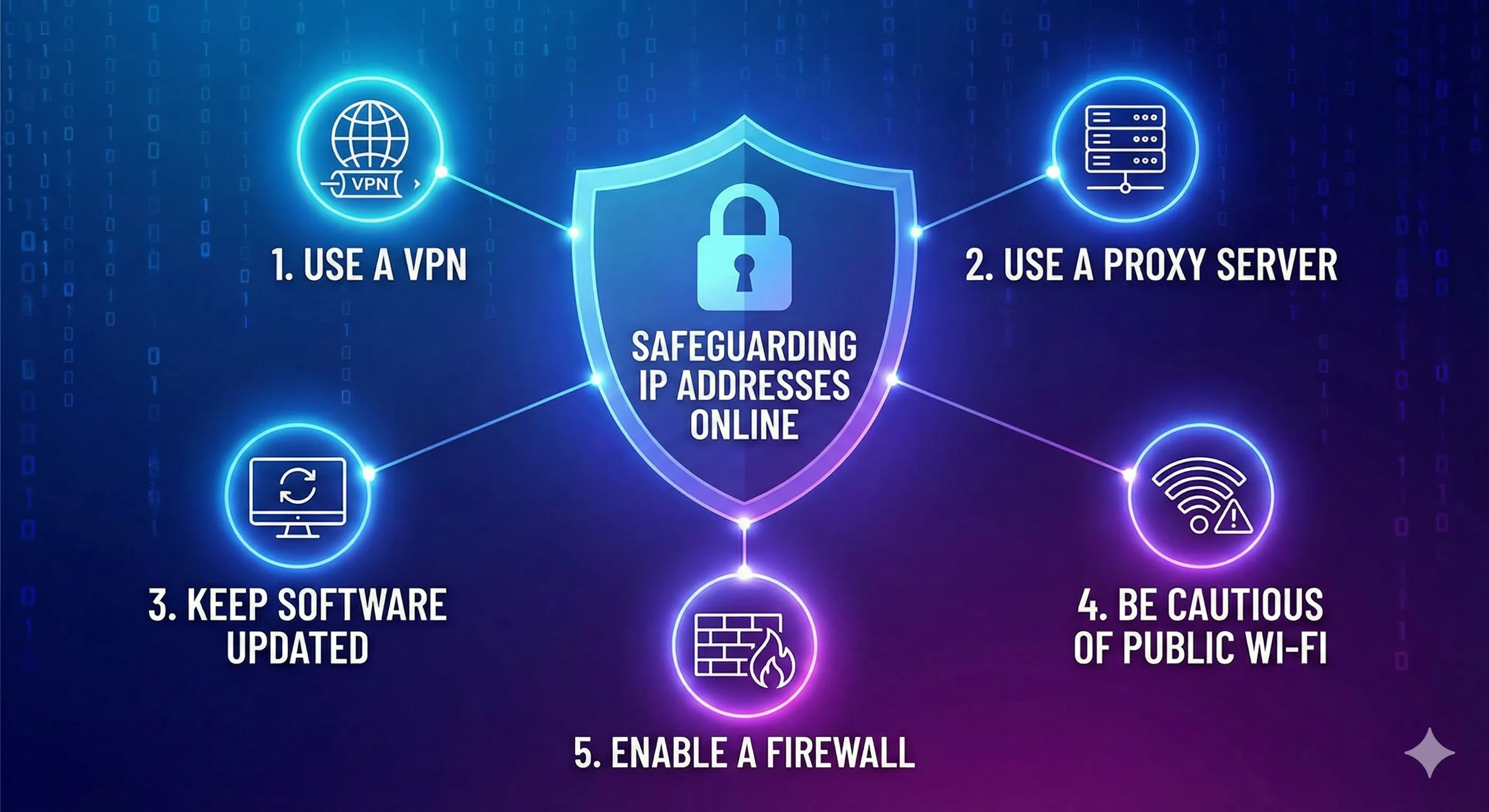
In today's interconnected digital landscape, safeguarding your online privacy is paramount. Your IP address, akin to your digital fingerprint, can reveal crucial information about your location, browsing habits, and even your identity. Protecting it is essential to maintain your privacy and security online. Here are five fundamental tips to help you safeguard your IP address effectively.
1. Utilize a Virtual Private Network (VPN)
A VPN is a powerful tool for masking your IP address and encrypting your internet connection. By routing your internet traffic through a secure server located in a different geographical location, a VPN effectively hides your true IP address from prying eyes. Choose a reputable VPN provider with strong encryption protocols and a strict no-logs policy to ensure maximum privacy. Whether you're browsing from home, a coffee shop, or traveling abroad, a VPN adds an extra layer of security to your online activities.
2. Enable Built-in Privacy Features in Web Browsers
Many modern web browsers offer built-in privacy features designed to protect your IP address and enhance your online privacy. Features like incognito mode, tracking prevention, and DNS over HTTPS (DoH) can help minimize the exposure of your IP address to third parties. Additionally, consider using browser extensions or add-ons that offer advanced privacy protection, such as ad blockers and script blockers, to further enhance your online security.
3. Keep Your Software and Devices Updated
Regularly updating your software and devices is crucial for maintaining the security of your digital infrastructure. Software updates often include patches for known vulnerabilities that cybercriminals could exploit to gain access to your system and potentially uncover your IP address. Enable automatic updates whenever possible, and don't forget to update your operating system, antivirus software, web browsers, and any other applications regularly. By staying proactive about software updates, you can minimize the risk of security breaches and protect your IP address from unauthorized access.
4. Use Secure and Encrypted Connections
When accessing the internet, prioritize secure and encrypted connections whenever possible. Websites that use HTTPS encryption provide a secure connection between your device and their servers, protecting your data from interception by malicious actors. Look for the padlock icon in your browser's address bar to ensure that your connection is secure. Additionally, avoid connecting to unsecured Wi-Fi networks in public places, as they pose significant security risks and could expose your IP address to potential threats.
5. Be Mindful of Your Online Activities
Lastly, practice good cybersecurity hygiene and be mindful of your online activities to minimize the risk of exposing your IP address inadvertently. Avoid clicking on suspicious links or downloading files from unknown sources, as they could contain malware designed to compromise your system's security. Be cautious when sharing personal information online and limit the amount of data you disclose on social media platforms and other websites. By adopting a cautious approach to your online behavior, you can reduce the likelihood of falling victim to cyber threats and protect your IP address from exploitation.
In conclusion, safeguarding your IP address is essential for maintaining your privacy and security in the digital age. By following these five tips, you can mitigate the risk of unauthorized access to your IP address and enjoy a safer and more secure online experience. Remember to stay vigilant, stay informed, and prioritize your digital privacy at all times.
Also Read: https://larus.net/blog/understanding-ip-hijacking-vs-ip-theft
Also Read: https://larus.net/blog/registry-risk-in-2026-are-your-ip-assets-secure